Compress with confidence
Use balanced presets to reduce file size while preserving strong visual quality.
 VideoShrinkDownload on the App Store
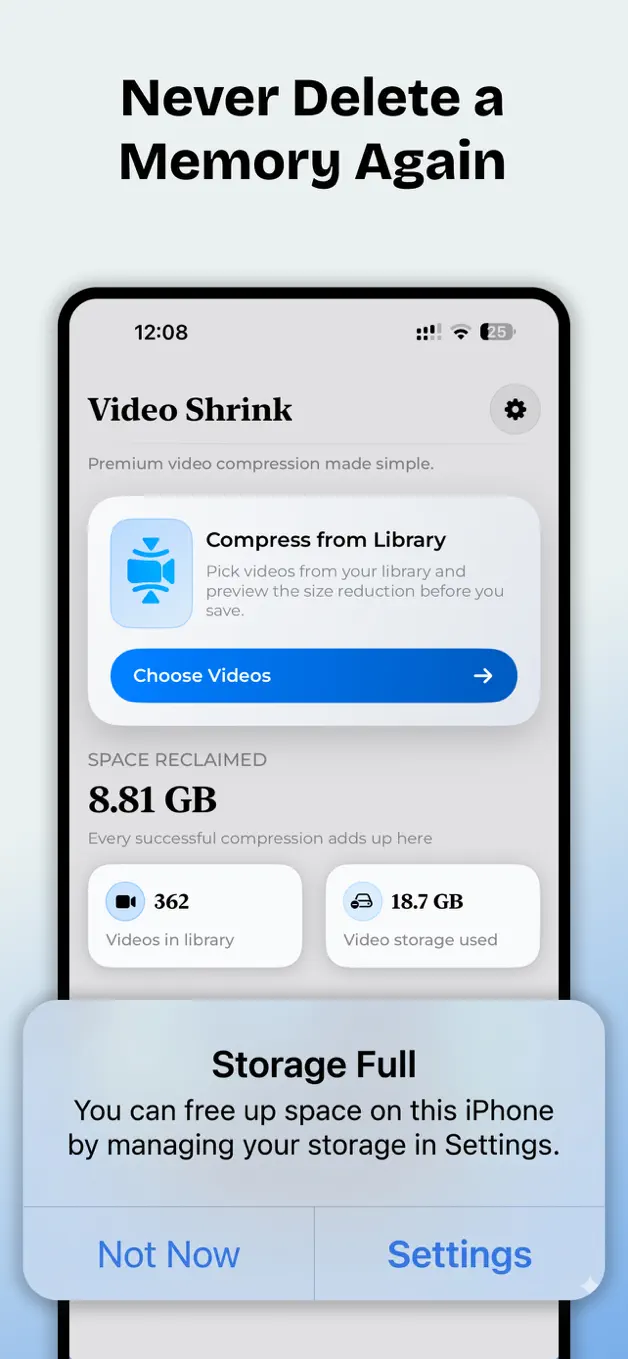
Compress videos by up to 80%, tune resolution, frame rate and bitrate, and see the expected storage savings before you save or share the result.
See the App Store for current pricing and device compatibility.
Compress with confidence.
Use balanced presets to reduce file size while preserving strong visual quality.
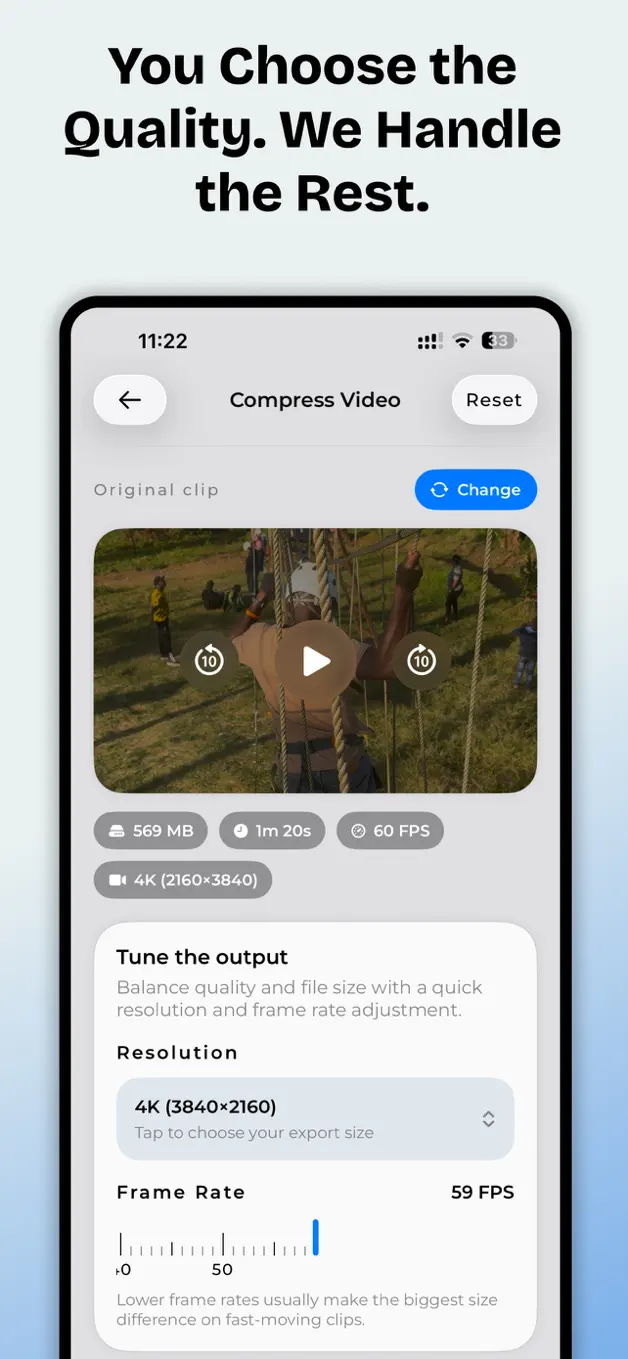
Adjust resolution, frame rate and bitrate for the quality-to-size balance you need.
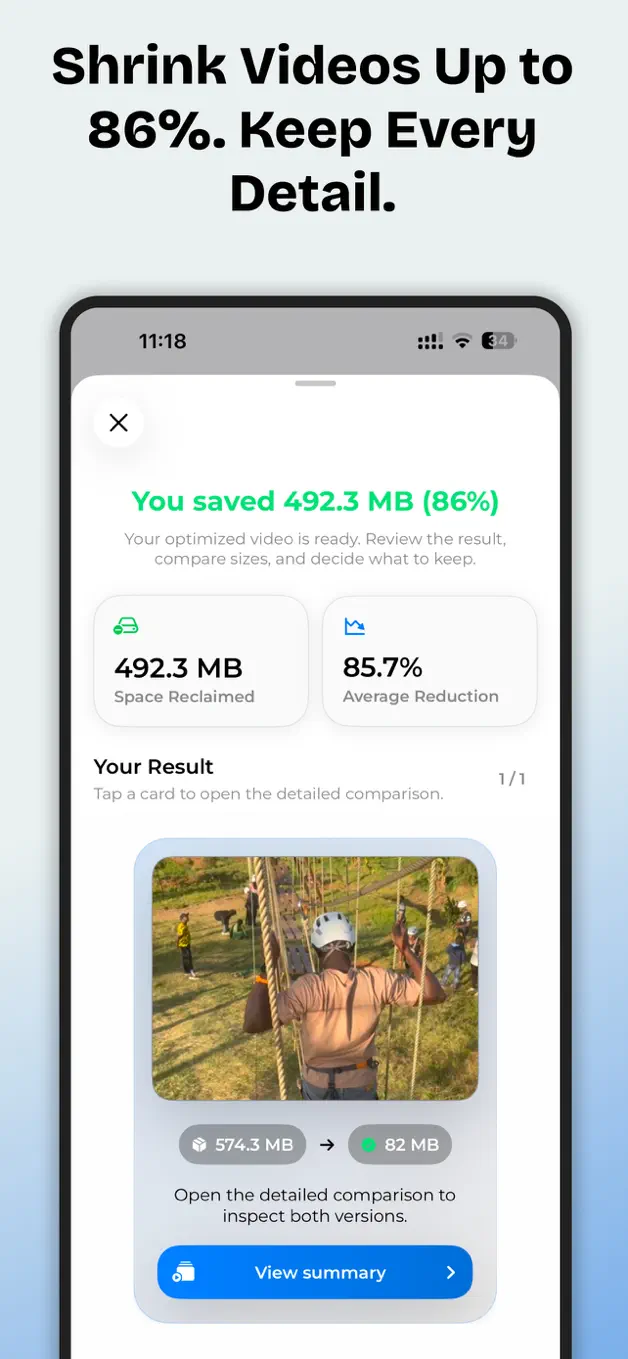
Review compression stats, choose what happens to the original and export without a watermark.
Read user reviews and check the latest VideoShrink details, pricing and compatibility on the App Store.
View VideoShrink on the App StoreDepending on the source and settings, VideoShrink can reduce a file by up to 80%. Results vary with length, resolution, frame rate and bitrate.
VideoShrink supports common iPhone and iPad formats including MP4, MOV and M4V.
Yes. Use a preset or adjust resolution, frame rate and bitrate to choose your preferred balance between quality and file size.
No. Exported videos are not branded with a VideoShrink watermark.
You can keep the original or choose to remove it after confirming that the compressed result is safely saved.
Questions, feedback or help getting started?
Contact Kensei Craft in Nairobi, Kenya.